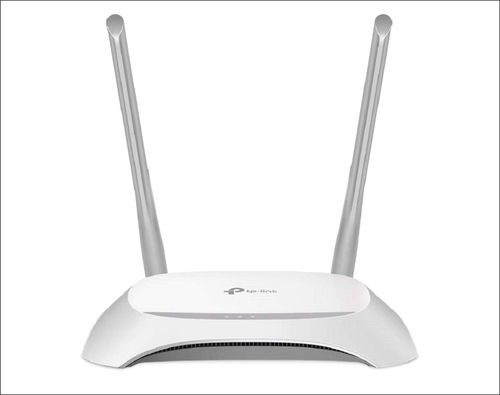
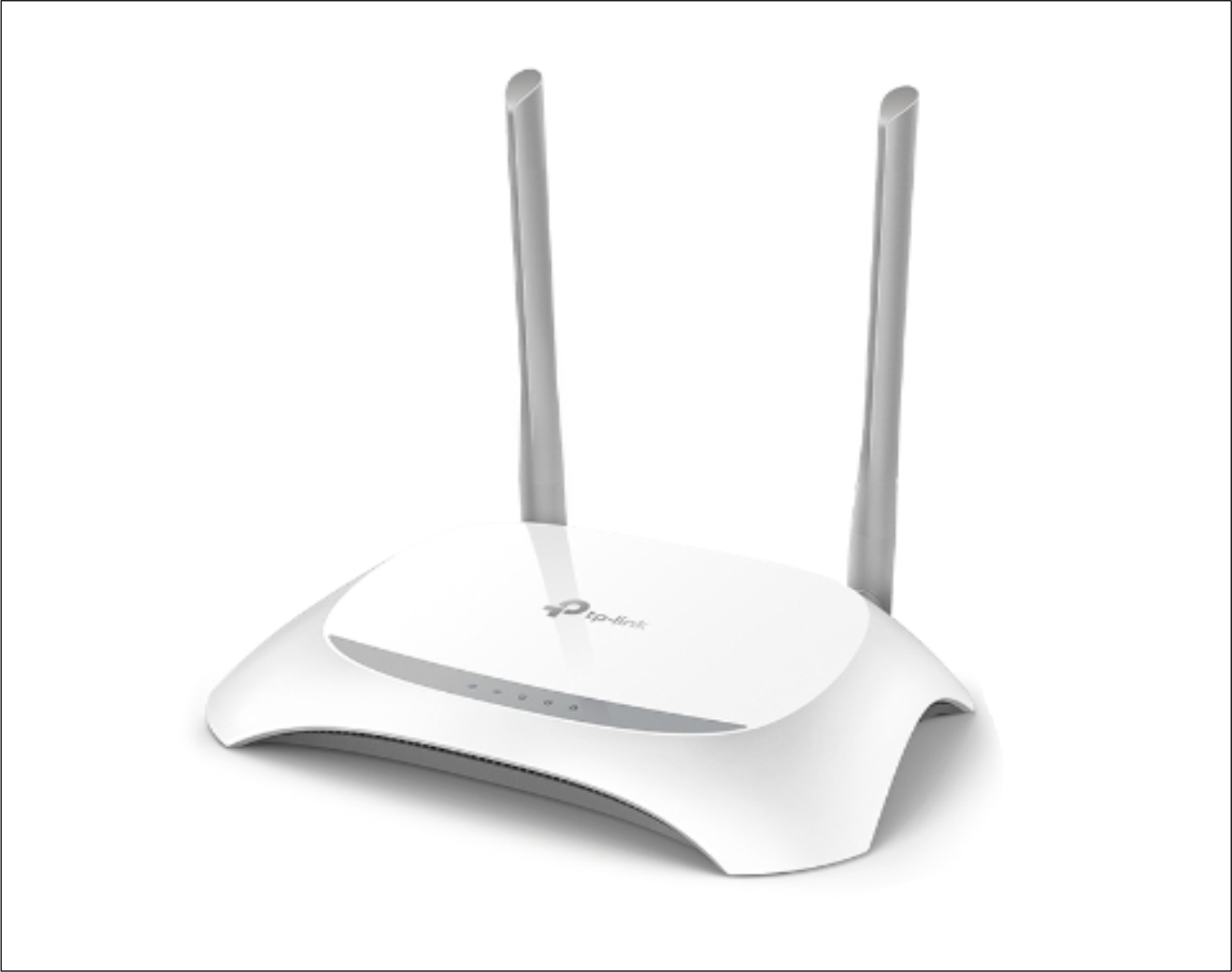
About TP-Link TL-WR850N 300 Mbps Gaming Router
300Mbps Wireless N Speed - Fast Download Speed
TP-Links TL-WR850N is a high-speed solution that iscompatible with IEEE 802.11b/g/n. Based on 802.11n technology, TL-WR850N givesusers wireless performance at up to 300Mbps, which can meet your most demandinghome networking needs, such as HD streaming, online gaming, and large filesdownloading.
Supports Agile Config
Enable WISPs to customize default configurations according totheir requirements, it solves the WISPs problem when end users reset thedevice.
CCA Technology - Stable Wireless Signals
ClearChannel Assessment (CCA) automatically avoids channel conflicts using its clearchannel selection feature and fully realizes the advantages of channel binding,greatly enhancing wireless performance.
EasySetup
Eitherusing the optimized user interface and the setup wizard will allow you to getonline quickly and easily.
Efficient Wireless Coverage and SpeedThe TL-WR850N delivers stable wireless speeds up to 300 Mbps, suitable for gaming, streaming, or general browsing. Its dual fixed antennas enhance signal strength, allowing excellent Wi-Fi coverage indoors (up to 100 meters) and outdoors (up to 300 meters). With support for Wi-Fi 4 (IEEE 802.11b/g/n), it is compatible with a range of devices and delivers reliable connectivity across different applications.
Advanced Security and Parental ControlsEnsuring the safety of your network, the router supports multiple security standards including 64/128/152-bit WEP and WPA/WPA2 (both PSK and standard). Additional features such as MAC address filtering, access control, and robust parental controls enable users to manage and monitor network usage, restrict inappropriate content, and create guest networks for enhanced privacy.
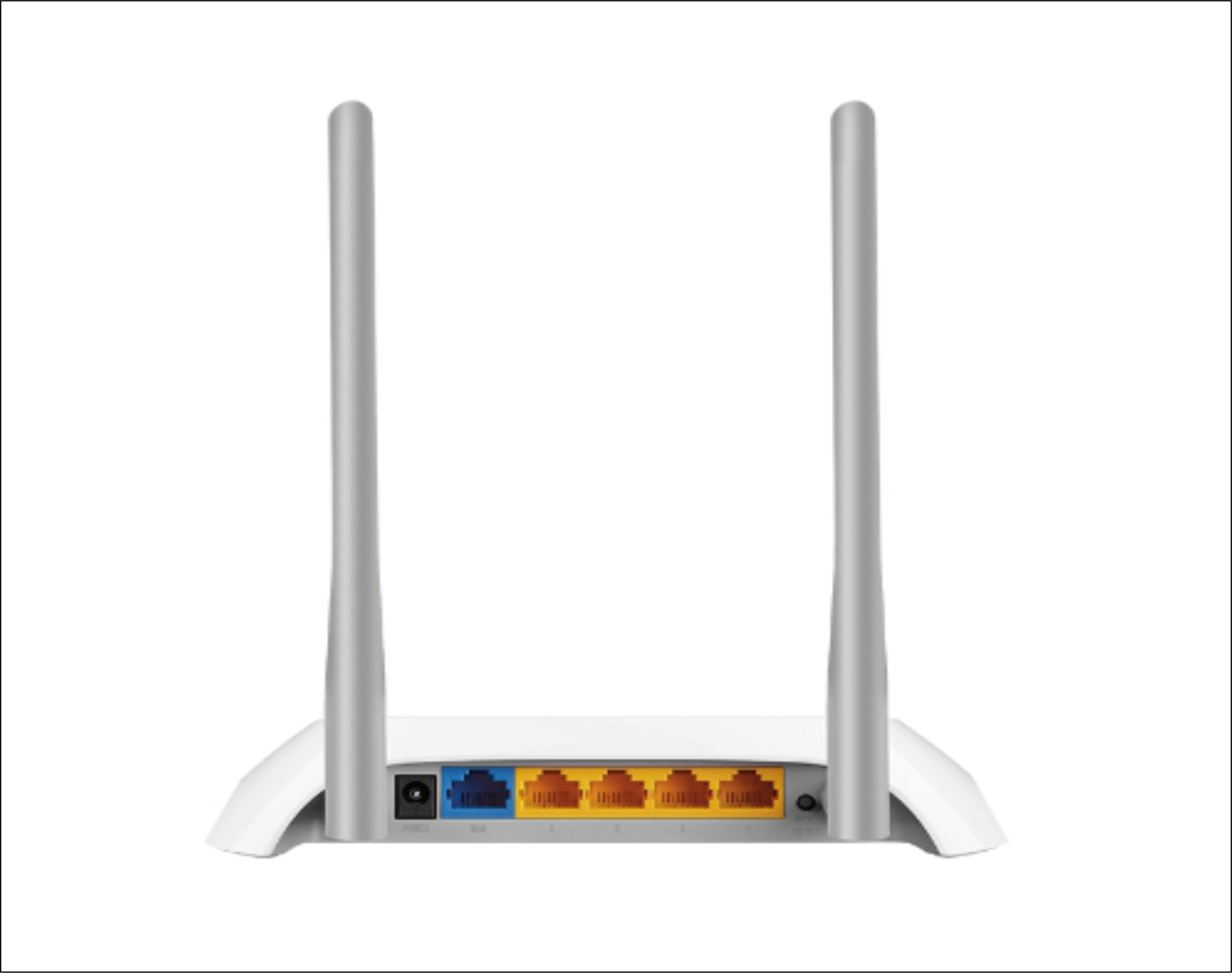
Versatile Management and Easy InstallationEquipped with practical controls like WPS/Reset and Power On/Off buttons, the TL-WR850N is easy to manage. Features like IP-based bandwidth control and multiple operating modes (including Repeater and Bridge) make it versatile for various setups. The router is easy to install and configure through user-friendly local and remote management interfaces, compatible with Windows, Mac OS, Linux, and more.
FAQ's of TP-Link TL-WR850N 300 Mbps Gaming Router:
Q: How can I set up the TP-Link TL-WR850N for optimal gaming performance?
A: To achieve optimal gaming performance, connect the router to your modem and power it on. Access the management interface through your browser and configure IP-based bandwidth control to prioritize gaming devices. Place the router centrally within your coverage area to maximize wireless signal strength and stability.
Q: What wireless security options does the TL-WR850N provide?
A: The router supports multiple security protocols, including 64/128/152-bit WEP, WPA/WPA2, and WPA-PSK/WPA2-PSK, safeguarding your network against unauthorized access. MAC address filtering and access control features add extra layers of protection, allowing you to customize and manage who connects to your Wi-Fi.
Q: When should I use different operating modes like Access Point, Repeater, or Bridge?
A: Use Access Point mode to extend wired network connectivity wirelessly, Repeater mode to boost Wi-Fi signals in larger areas, and Bridge mode to link separate networks. The WDS Bridge function helps integrate wired and wireless devices, ensuring adaptable solutions for complex environments or coverage needs.
Q: Where can the TL-WR850N router be optimally placed for maximum coverage?
A: For best coverage, position the router in a central, elevated location away from obstructions and electronic interference. This placement ensures optimal indoor coverage up to 100 meters and up to 300 meters outdoors within the router's effective range.
Q: What are the main benefits of using the parental control and guest network features?
A: Parental controls allow you to restrict access to inappropriate content or set usage schedules for children, while the guest network lets visitors connect securely without accessing your main network. These features enhance network safety and maintain privacy for both family members and guests.
Q: How do I manage and monitor my network with this router?
A: Local and remote management tools, accessible via web browsers on Windows, Mac, or Linux operating systems, help you configure settings, monitor wireless statistics, and control access. LED indicators provide visual status updates for key router functions, aiding in efficient troubleshooting and monitoring.

 Send Inquiry



 Send Inquiry

 Send Inquiry


