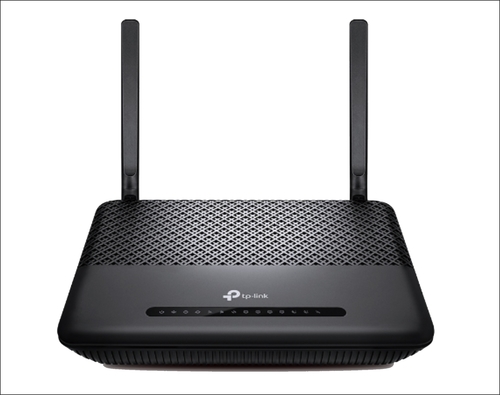
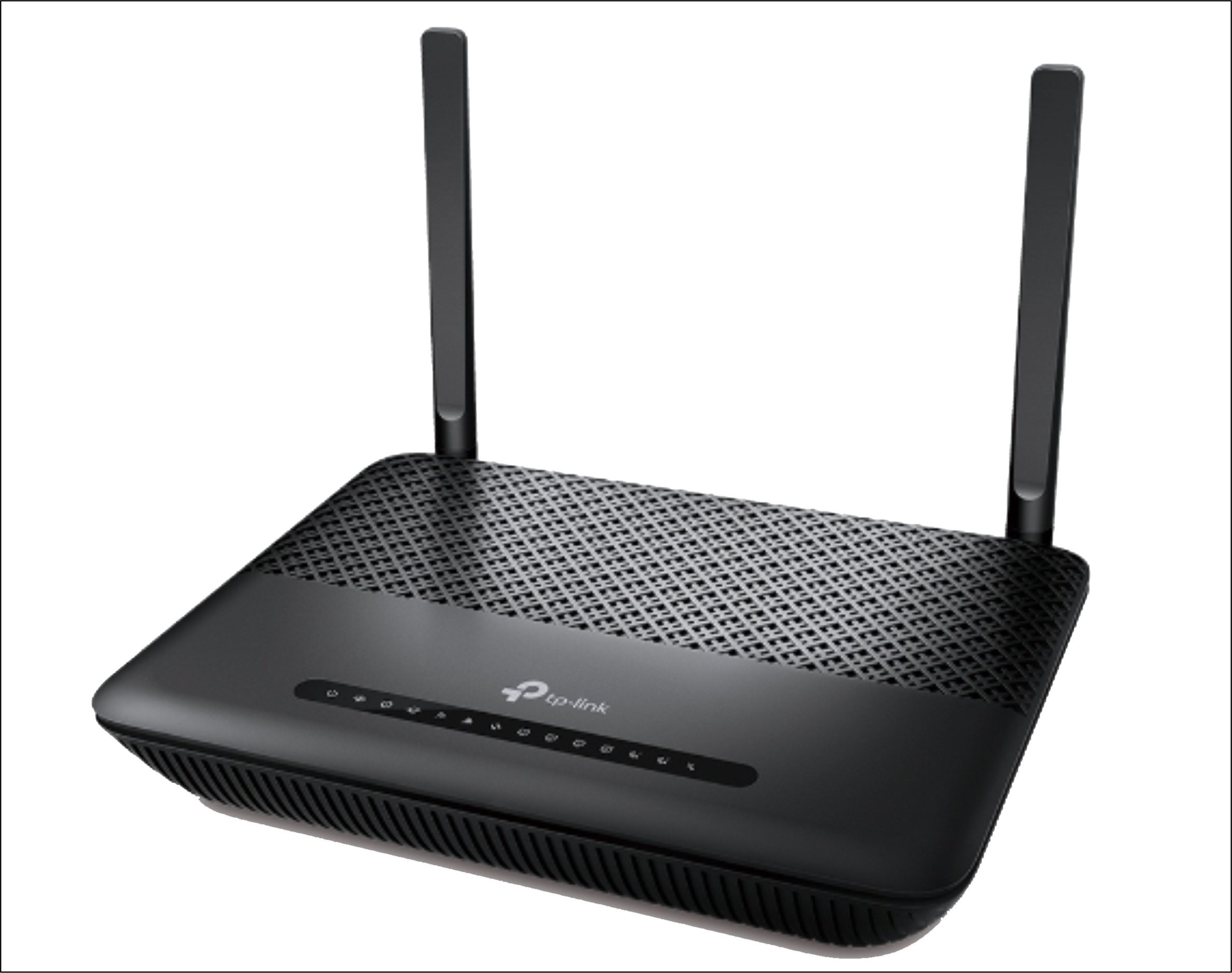
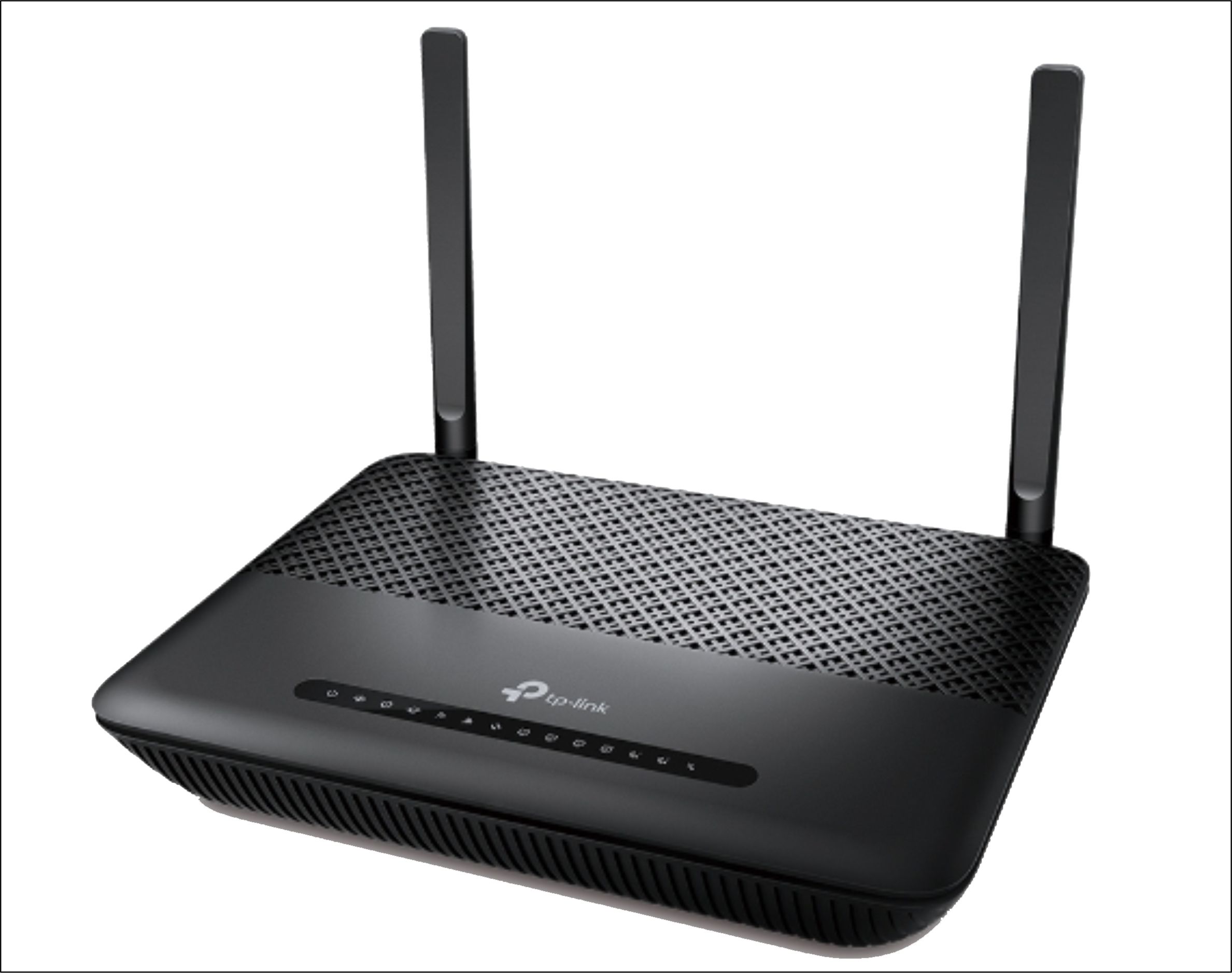
About TP-Link Archer XR500v 1200 Mbps Dual Band Router
Superfast Dual Band Wi-Fi
Archer XR500v comes with 11ac Wi-Fi standard, offering totaldata transfer speeds achieving up to 1167Mbps, with 867Mbps over the clearer5GHz channel, and 300Mbps over the 2.4GHz Channel.
Full Gigabit Wired
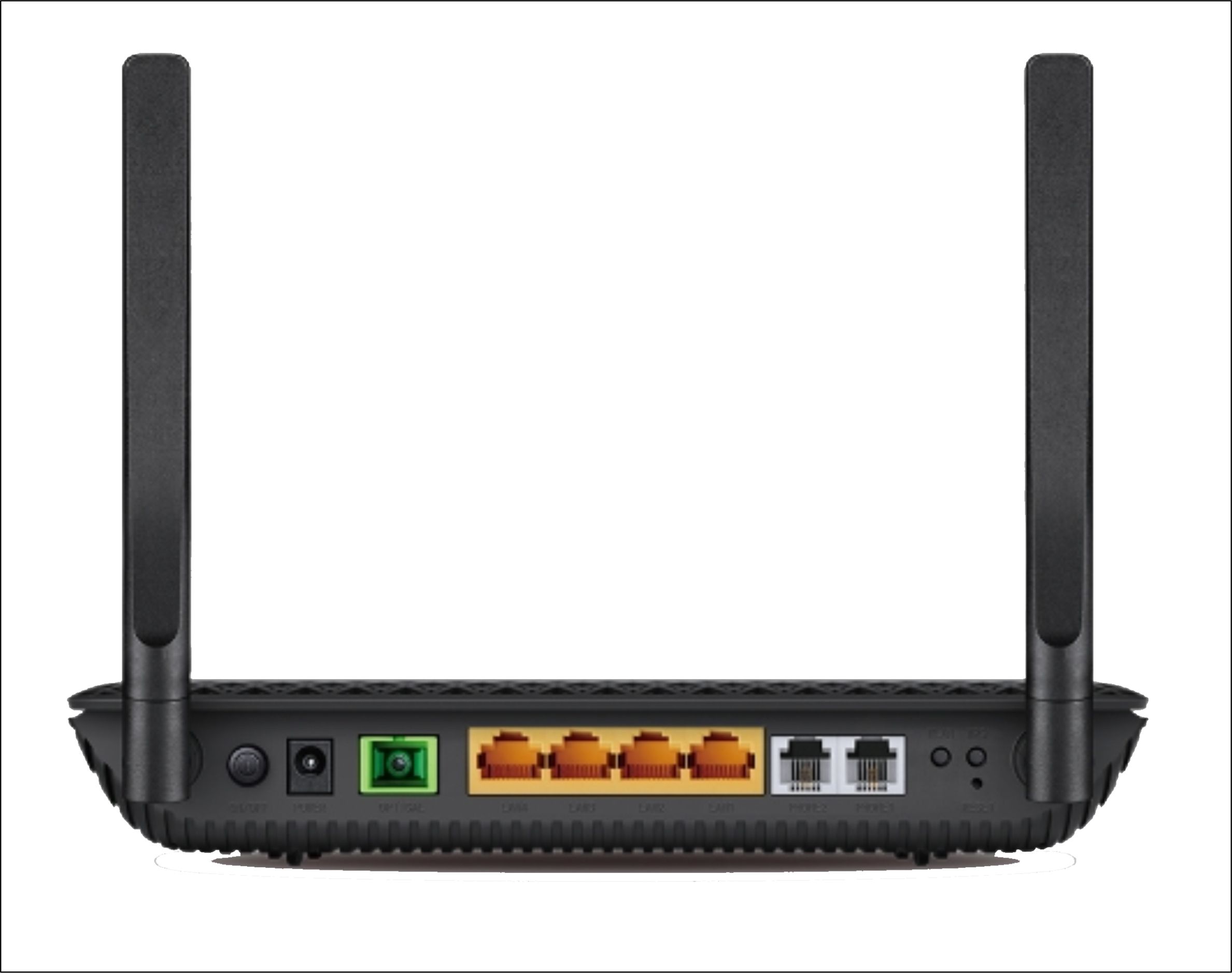
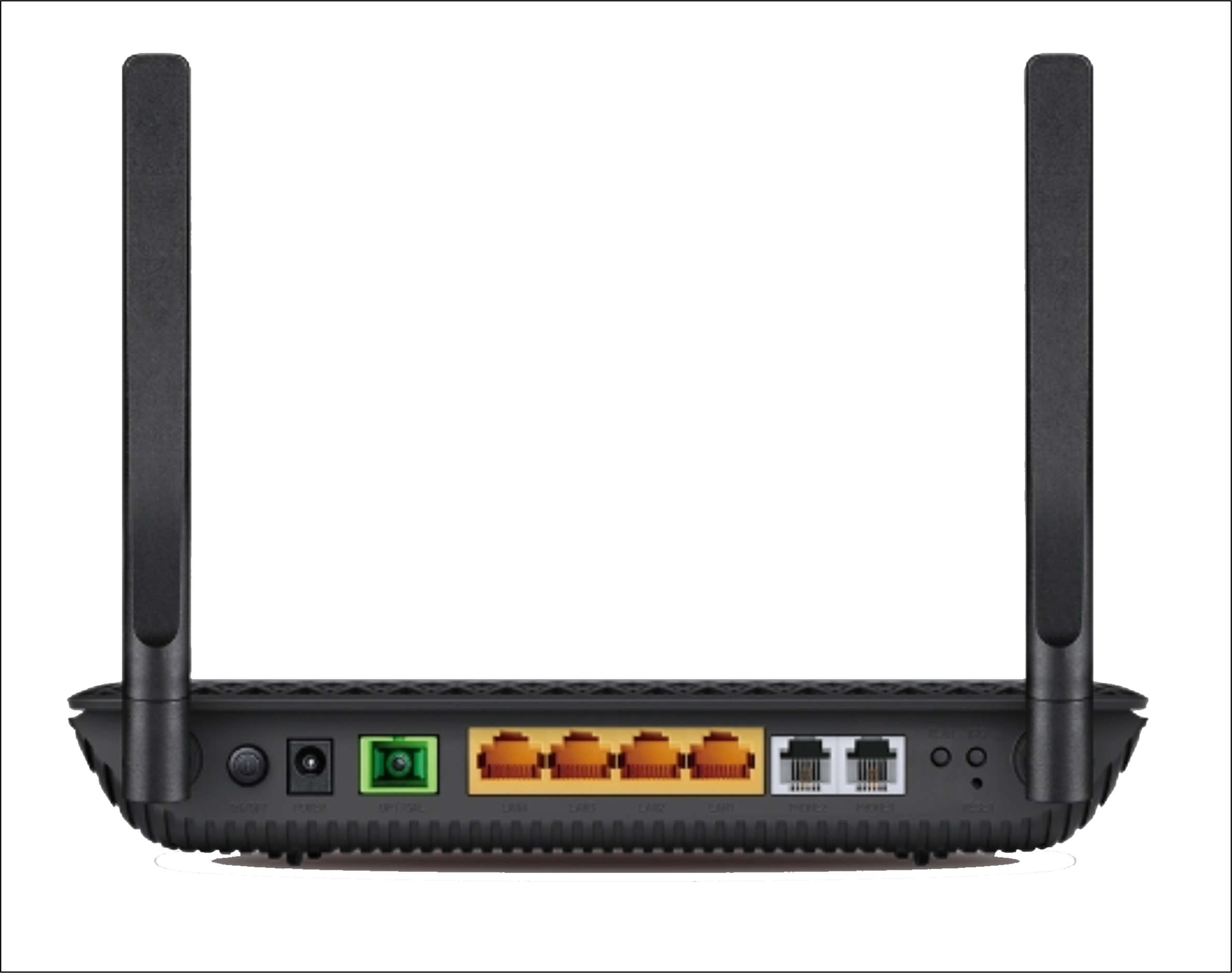
With four gigabit LAN ports, speeds can be up to 10? fasterthan standard Ethernet connections. The Archer XR500v can provide robust andextremely fast connections to all of your favorite wired devices, includinggame consoles, smart TVs, DVRs, and more.
Supports VoIP Calls
With 2 FXS ports, users canmake or receive phone calls over the Internet simply by connecting the deviceto their existing telephone set.
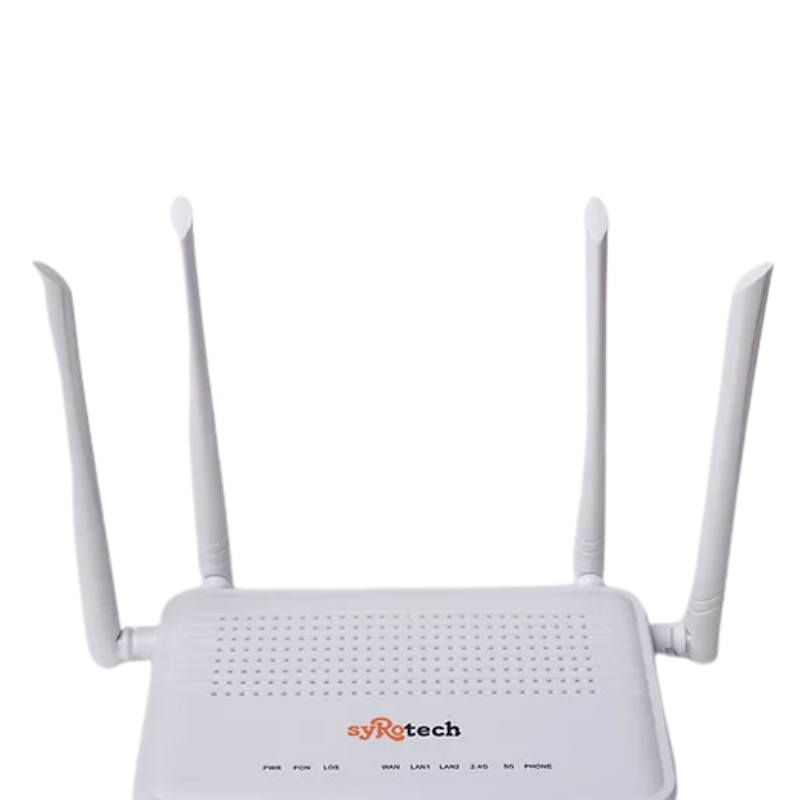
Exceptional Speed and CoverageWith dual-band wireless capabilities, the Archer XR500v delivers up to 1200 Mbps total bandwidth and extends reliable Wi-Fi coverage up to 1200 sq.ft. Its four fixed external antennas optimize signal strength, supporting seamless streaming or data-heavy operations in medium-sized offices and industrial areas.
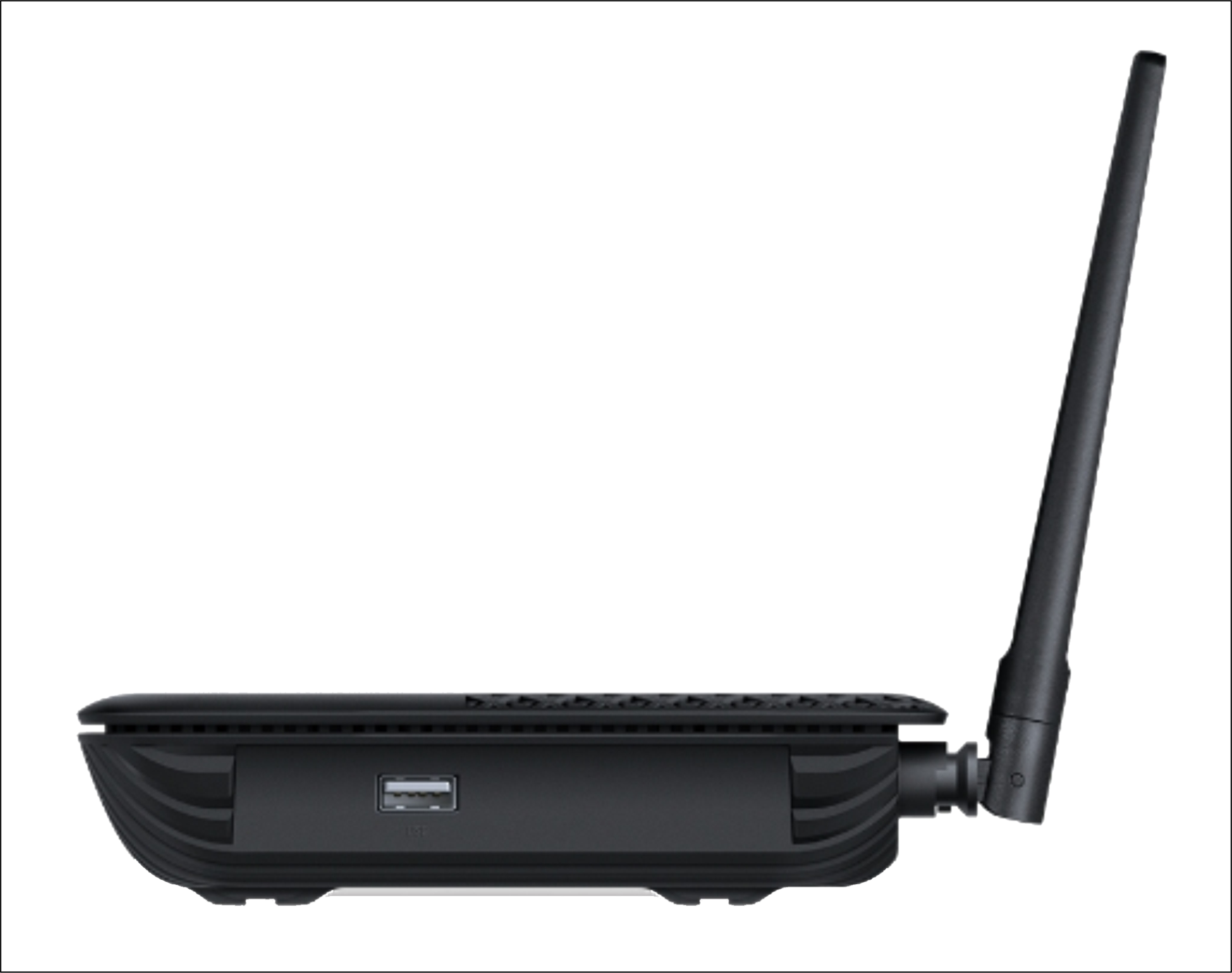
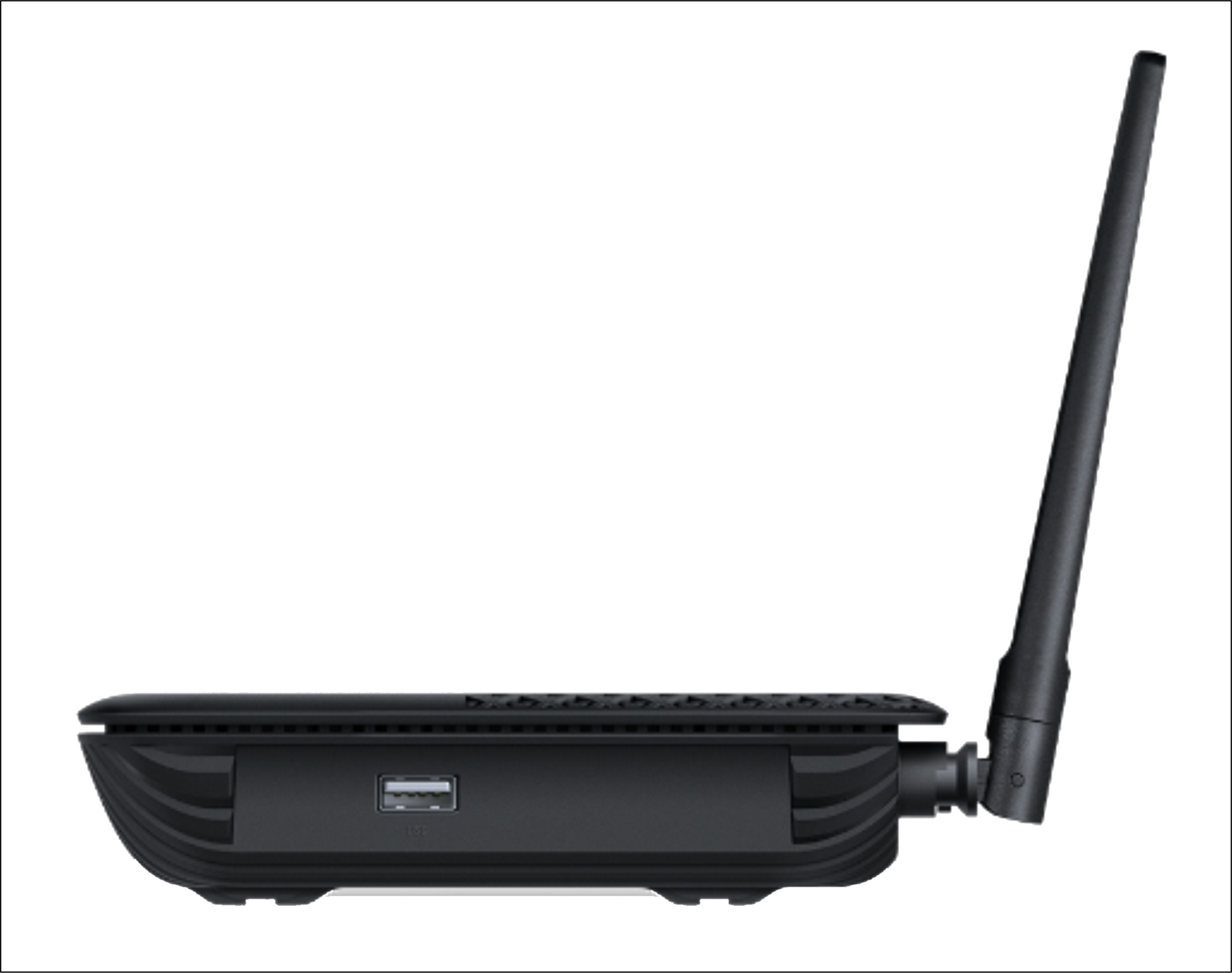
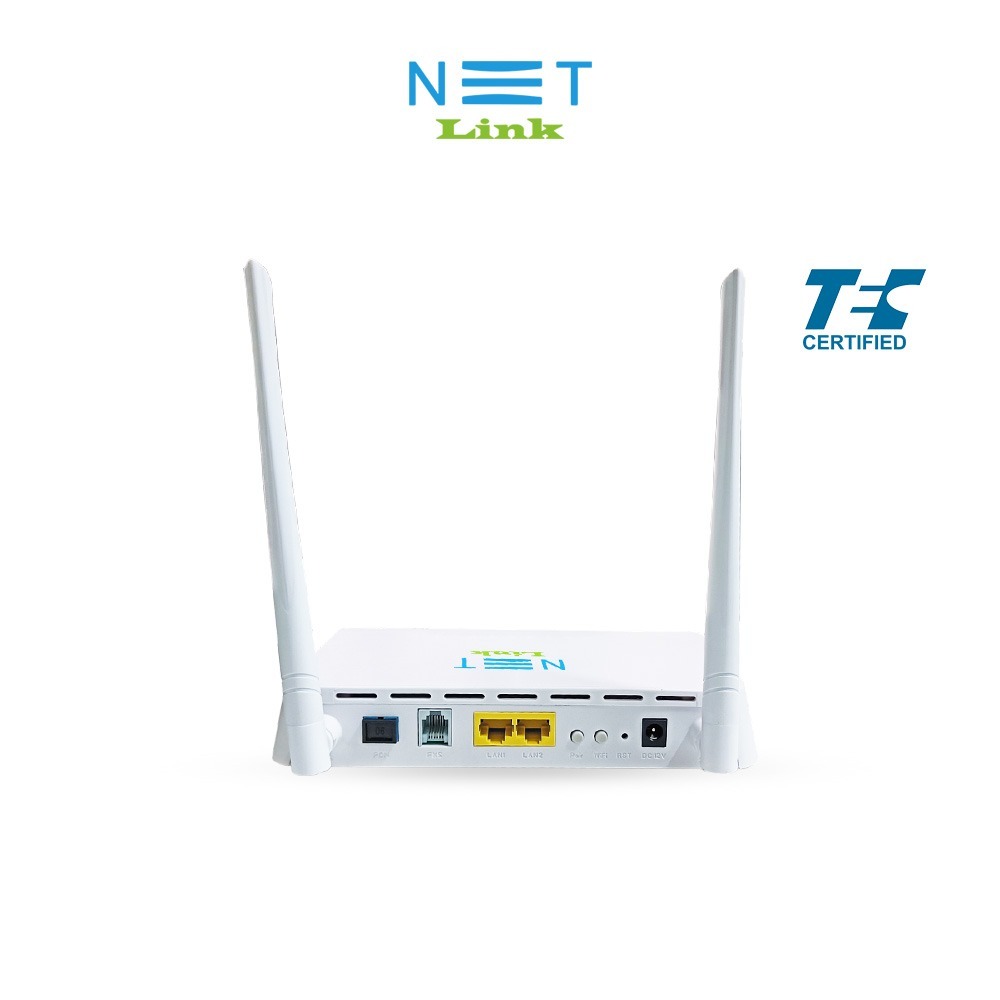
Advanced Connectivity OptionsEquipped with 1 Gigabit WAN port and 4 Gigabit LAN ports, the router facilitates ultra-fast wired connections for multiple workstations. The dedicated VoIP support, USB 2.0 port for storage/printer sharing, and compatibility with IEEE 802.11ac ensure flexibility for diverse commercial applications.
Robust Security and ManagementThe Archer XR500v features multi-layered security with WPA-PSK/WPA2-PSK encryption, a SPI firewall, and access control. Users can easily monitor and manage their network using the web-based interface or TP-Link's Tether app, guaranteeing secure and streamlined operation. Parental controls and guest networking further safeguard your environment.
FAQ's of TP-Link Archer XR500v 1200 Mbps Dual Band Router:
Q: How do I set up the TP-Link Archer XR500v router for first-time use?
A: Initial setup can be done using the web-based management interface or the TP-Link Tether app. Simply connect the router to your modem using the Gigabit WAN port, power it on, and follow the on-screen setup guide to configure your network, Wi-Fi passwords, and account preferences.
Q: What benefits does the dual-band feature provide on this router?
A: The dual-band feature enables the Archer XR500v to broadcast on both 2.4 GHz and 5 GHz frequencies. This allows for reduced interference, optimized speeds (up to 867 Mbps on 5 GHz), and supports more devices, making it ideal for crowded or device-heavy settings.
Q: When should I use the VoIP feature available on this router?
A: The VoIP support is ideal for settings where Internet-based calling is required. Connect your VoIP-compatible phone to the RJ11 port, ensuring you have a registered VoIP account, and use the network for cost-efficient calling-especially valuable in commercial environments.
Q: Where can I mount or place the Archer XR500v for optimal coverage?
A: This router is designed for standard desktop placement or wall-mounting. For best coverage, place it in a central, open location, avoiding obstacles or enclosed spaces, to fully utilize its 1200 sq.ft. wireless range.
Q: What process should I follow to share files or a printer using the USB 2.0 port?
A: Plug a USB storage device or printer into the router's USB 2.0 port. Use the management interface or Tether app to enable sharing. For printers, install the appropriate software on connected devices to access printing over the network.
Q: How does the router support network management and security?
A: The Archer XR500v offers web-based management and support via the Tether app, allowing you to oversee connected devices, configure settings, and apply security measures. It is equipped with WPA-PSK/WPA2-PSK encryption, SPI firewall, and access control to safeguard your network.
Q: What is the maximum device capacity and coverage area of the TP-Link Archer XR500v?
A: This router supports up to 64 devices simultaneously and is designed to cover areas up to 1200 sq.ft., making it suitable for medium-sized commercial or industrial environments.

 Send Inquiry



 Send Inquiry

 Send Inquiry


